

One Hand Control
Custom edge gestures for faster one-handed Android use
What is One Hand Control?
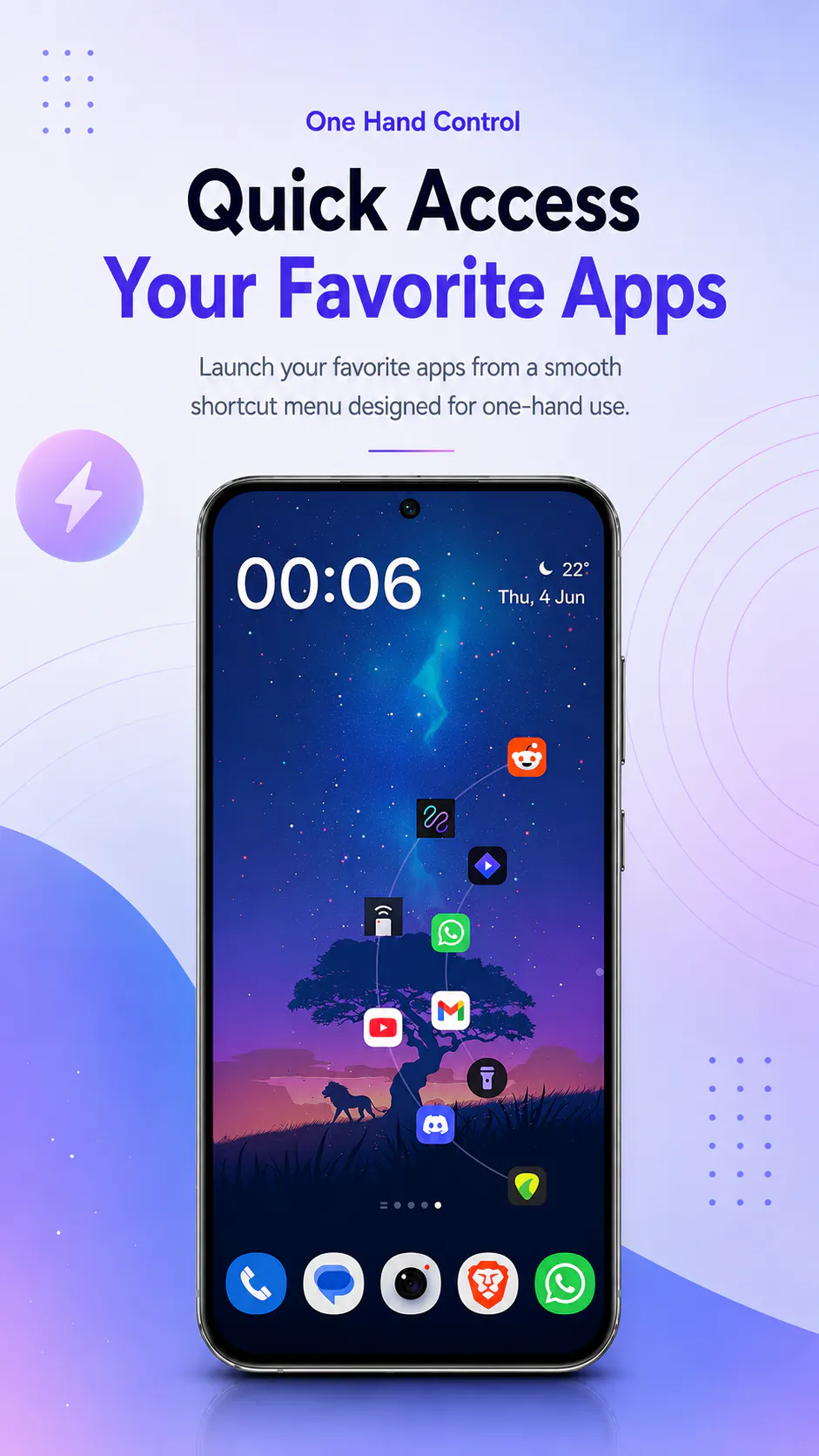
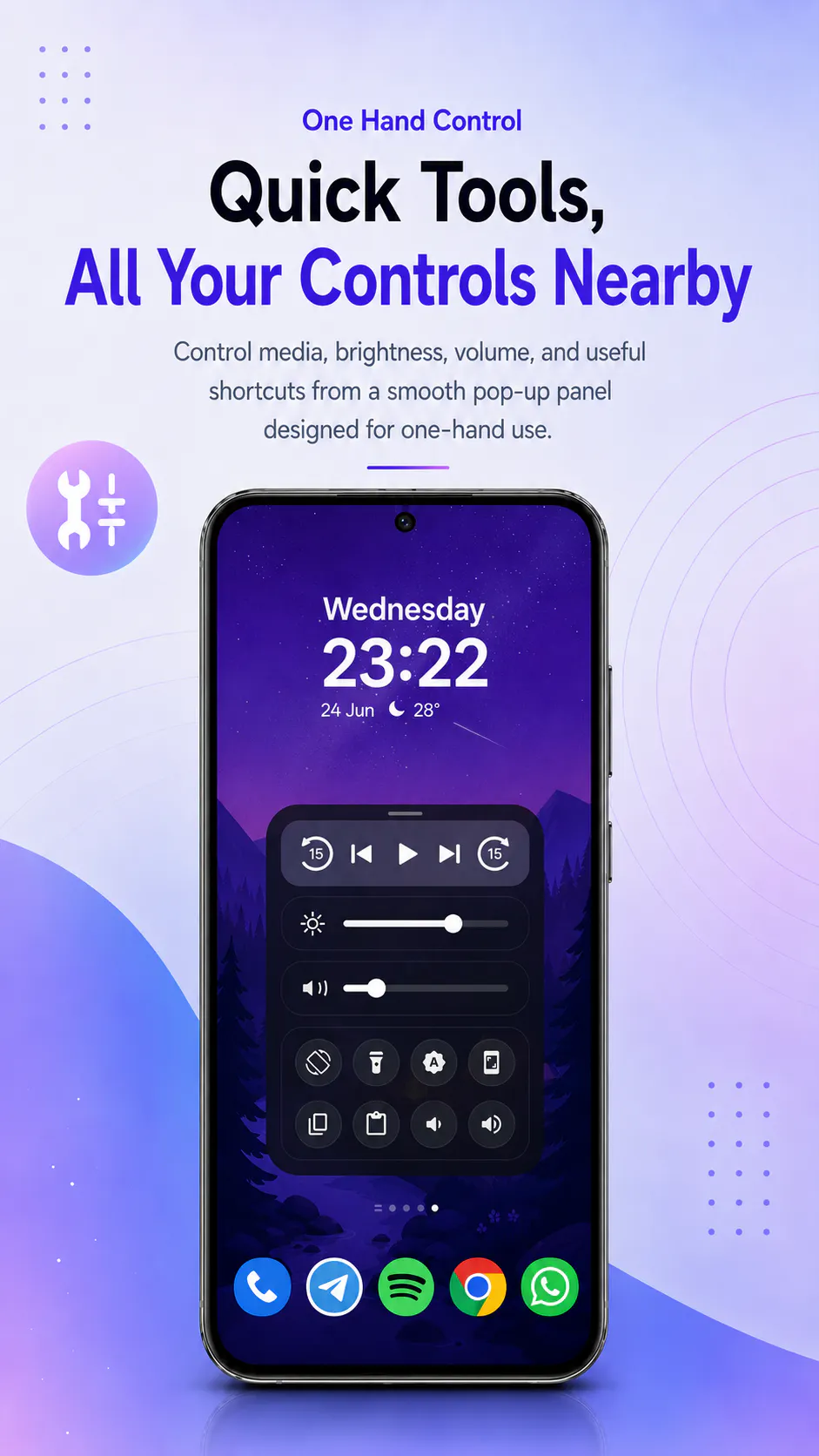
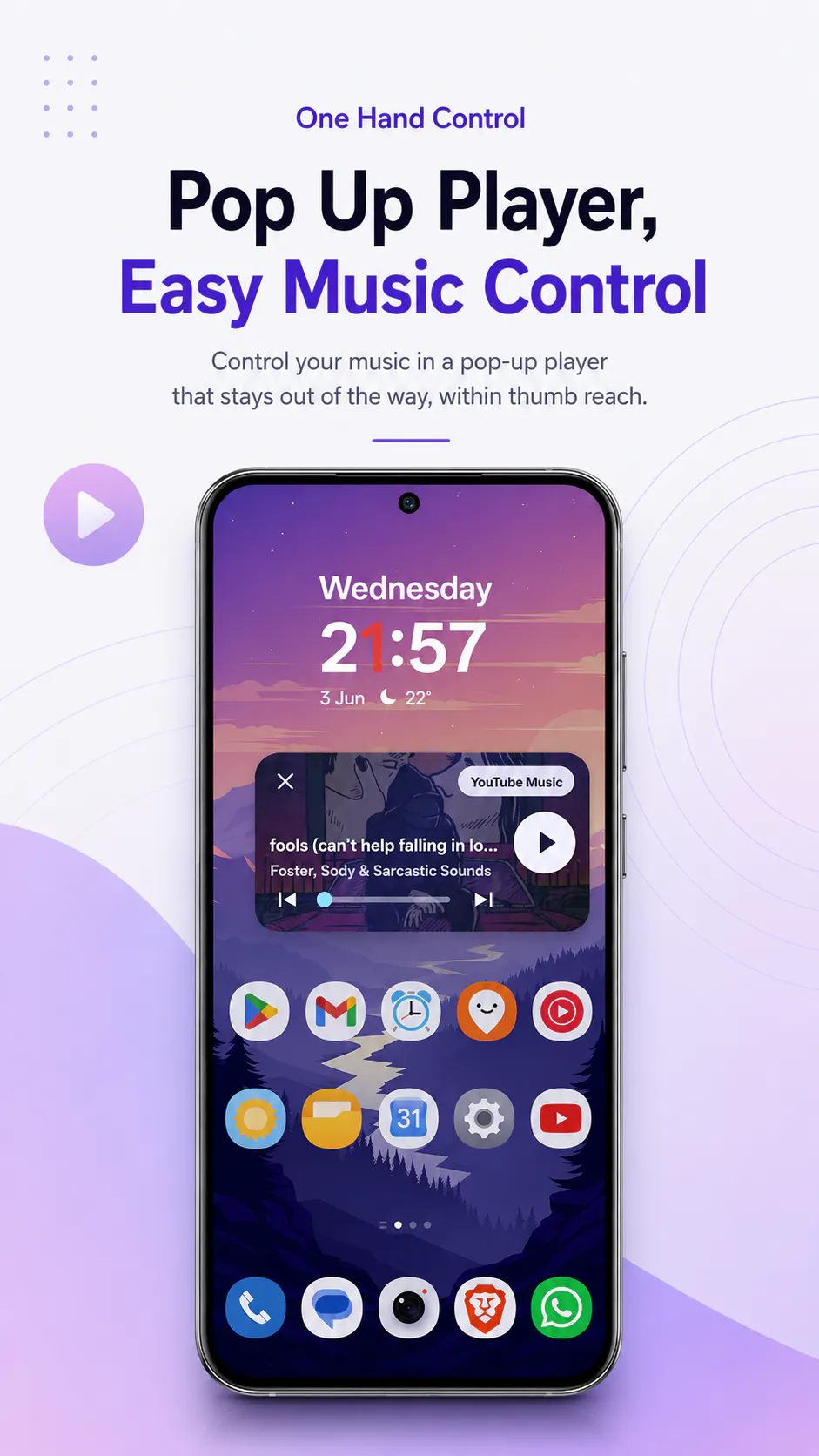
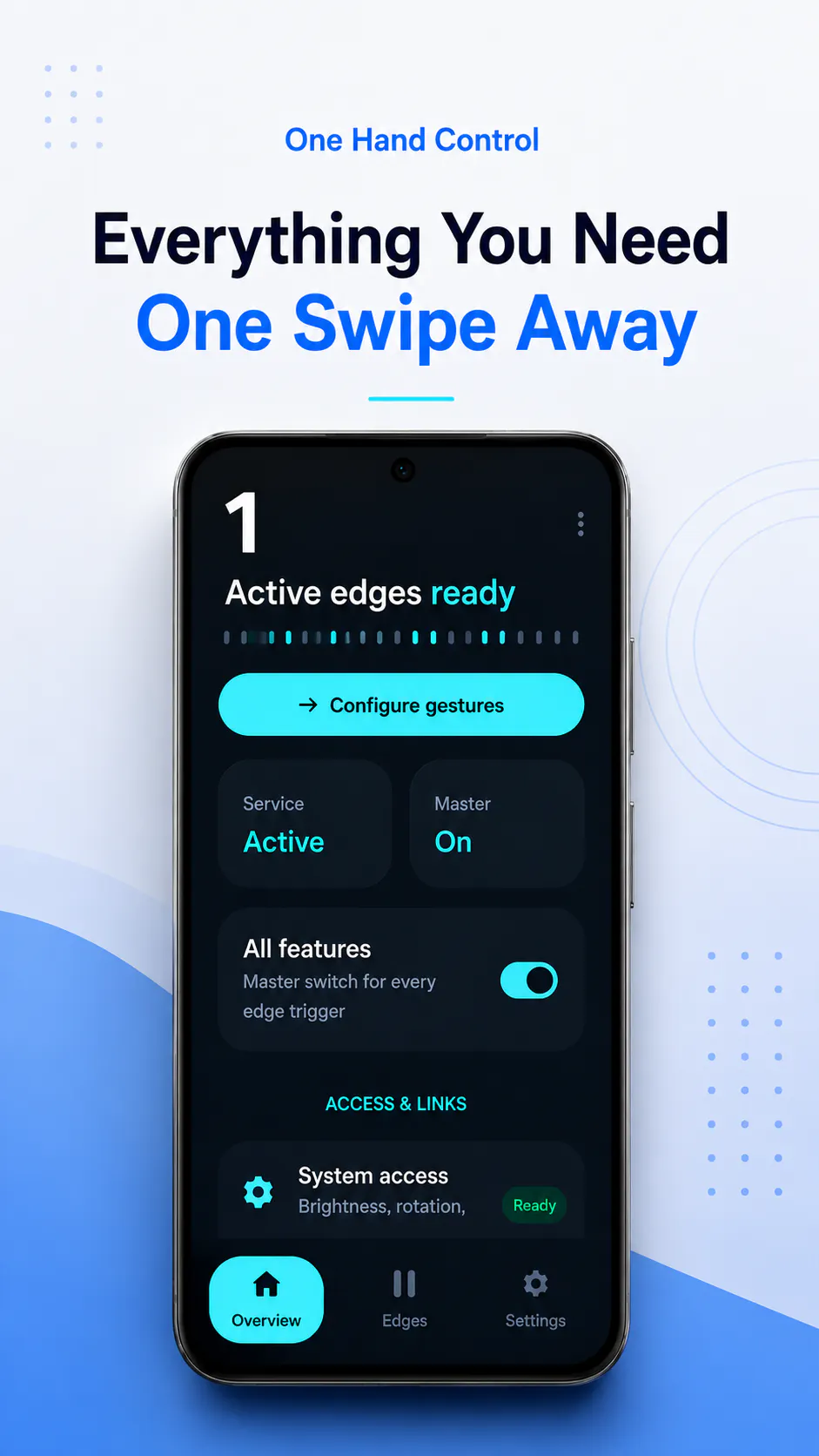
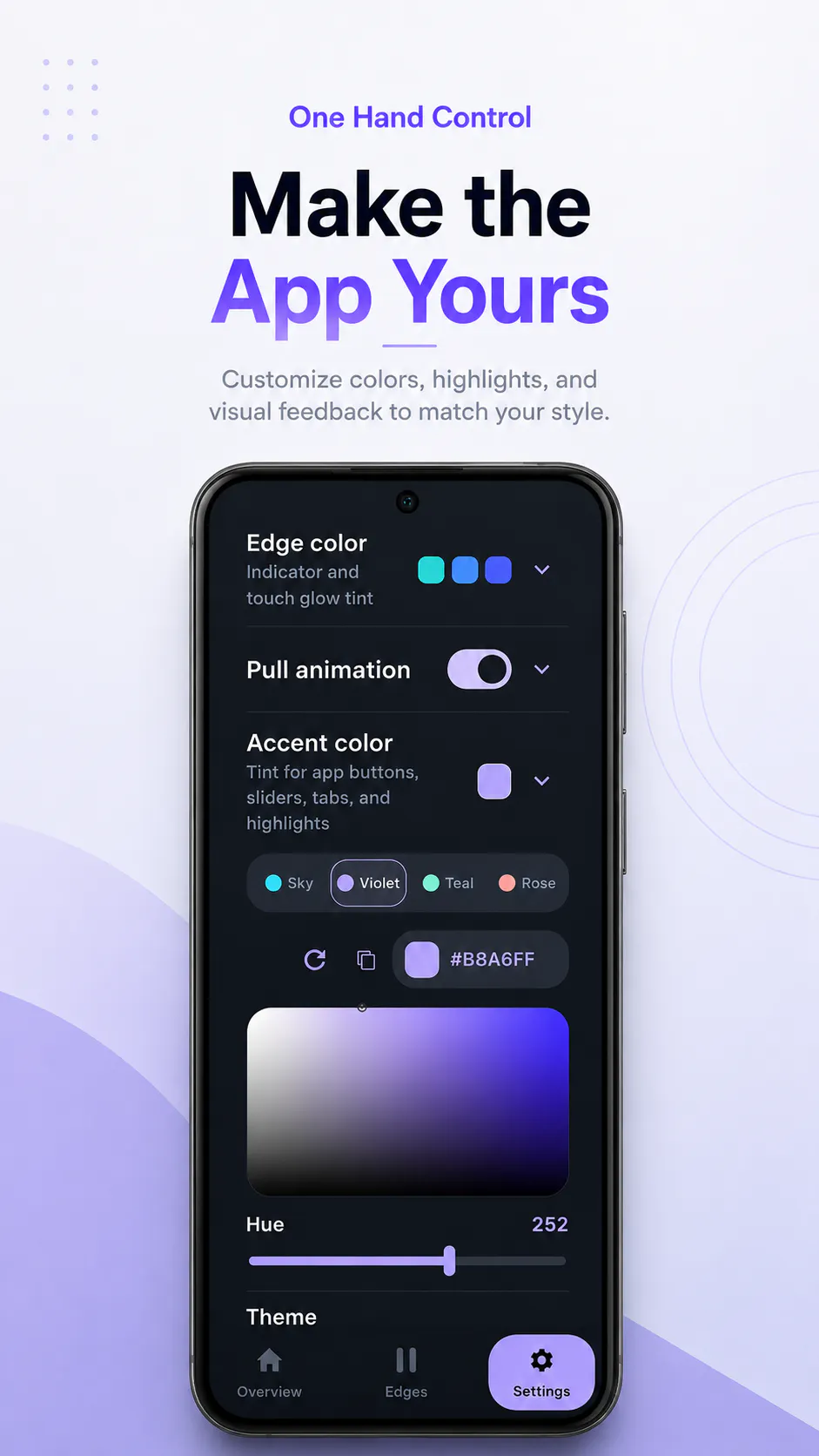
Turn your phone’s edges into customizable shortcuts. One Hand Control lets you swipe, tap, pull, or hold from the side or bottom of the screen to launch apps, open Quick Tools, control media, adjust brightness or volume, run macros, and navigate faster. It’s useful for one-handed use, but also for anyone who wants Android to feel quicker, more personal, and less repetitive.
Screenshots
?
No comments yet. Be the first!
Real conversations about One Hand Control on X
Post on X