


DesktopAudio
Record what your Mac plays. Local files, no cloud.
What is DesktopAudio?
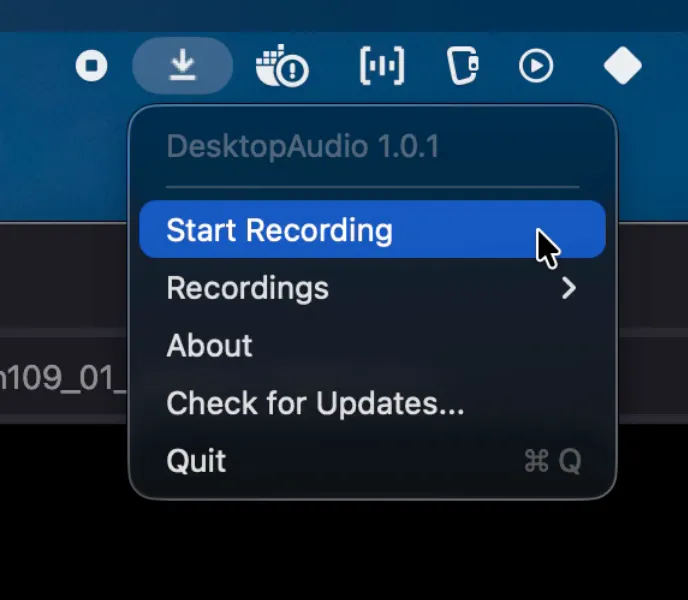
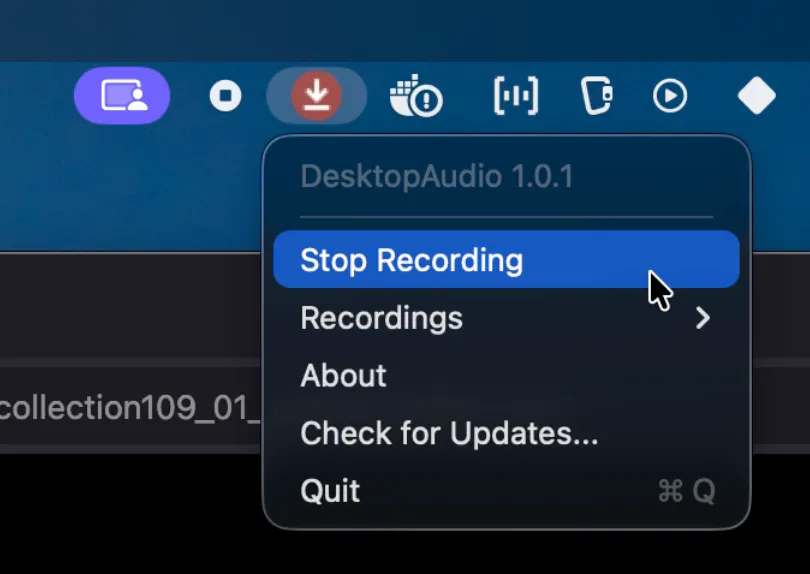
DesktopAudio records whatever your Mac is playing and saves it as an m4a on your Mac. Podcasts, live streams, webinars, calls: if you can hear it, you can keep it. Local always: local recording, local files, no cloud, no account. It never touches your microphone and never asks for mic permission. It's also the missing half of macOS screen recording: Cmd+Shift+5 captures video but no system audio. Run DesktopAudio alongside it and you have both. $19 one-time. No subscription.
Screenshots
?
No comments yet. Be the first!
Real conversations about DesktopAudio on X
Post on X