

Ctrl+Brain
Ctrl+Shift+2 to save anything for your ai
What is Ctrl+Brain ?
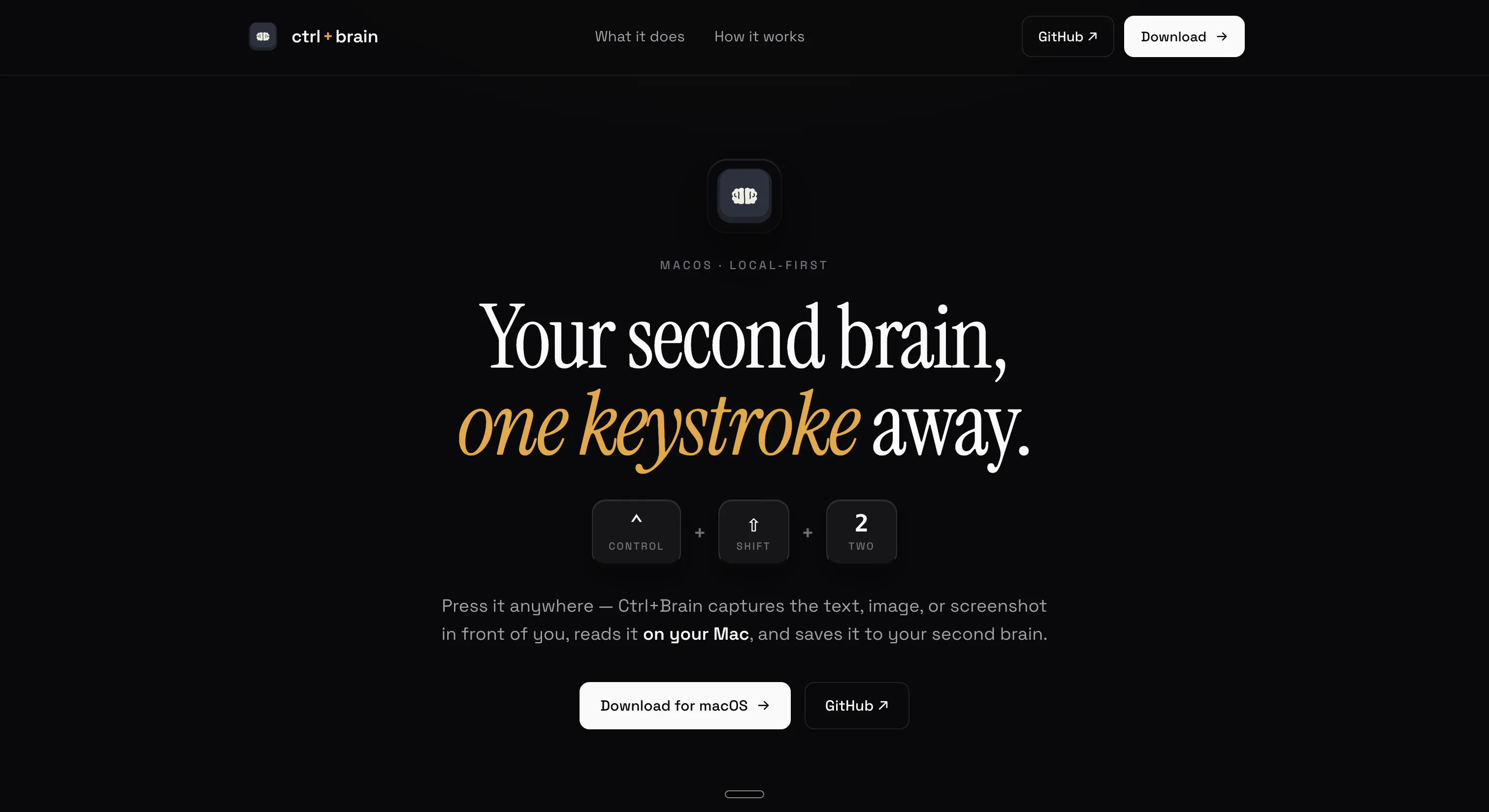
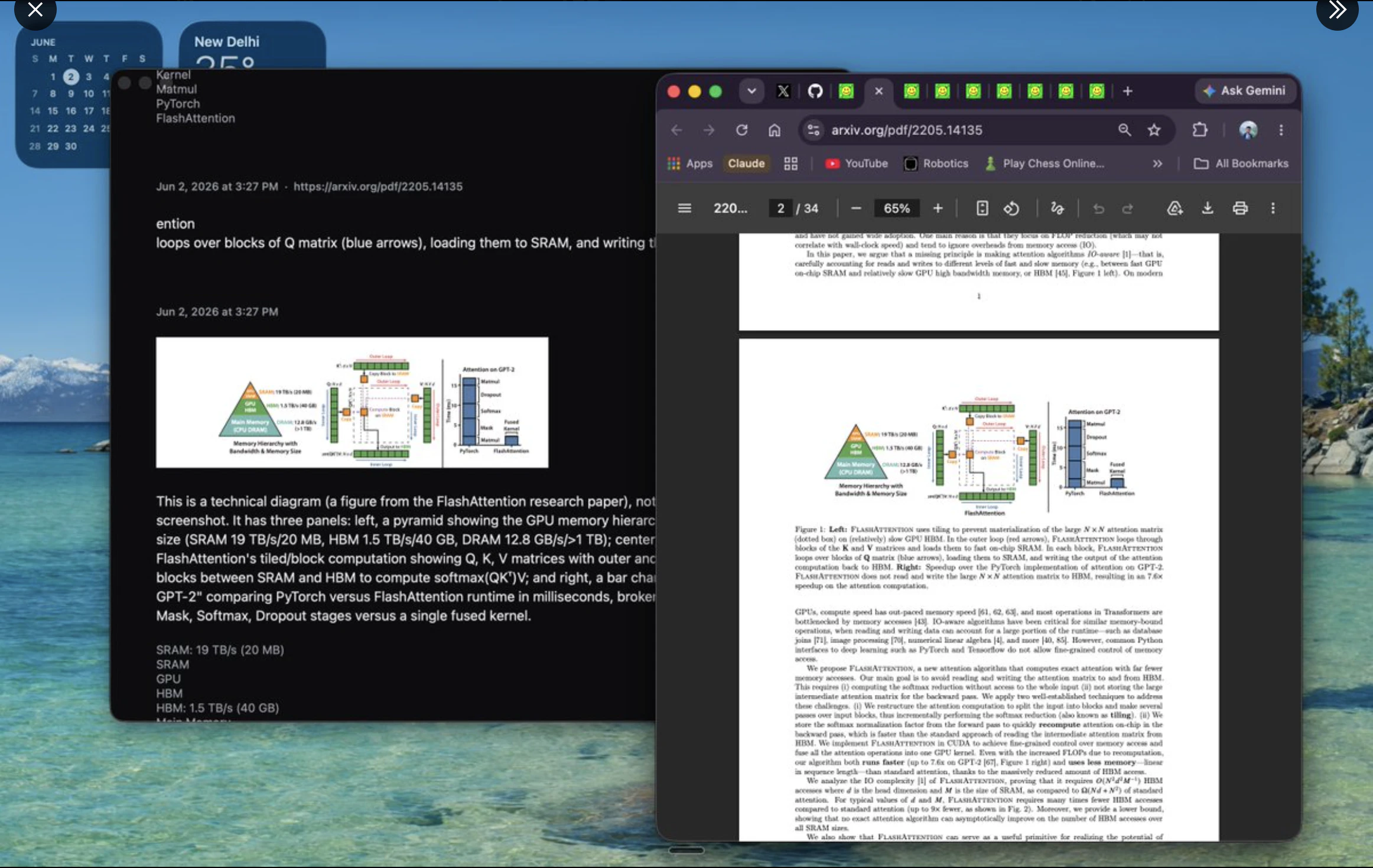
Press ⌃⇧2 anywhere. Ctrl+Brain captures the text, image, or screenshot in front of you, reads it on your Mac, and files it into one editable local second brain with optional Supermemory sync and MCP access.
Screenshots
?
No comments yet. Be the first!
Real conversations about Ctrl+Brain on X
Post on X